How to Convert SRT to VTT for Web Video
Convert SRT to VTT without breaking timestamps, headers, or cue structure. Learn when WebVTT is the better format and what to check before publishing.

Kevin Li
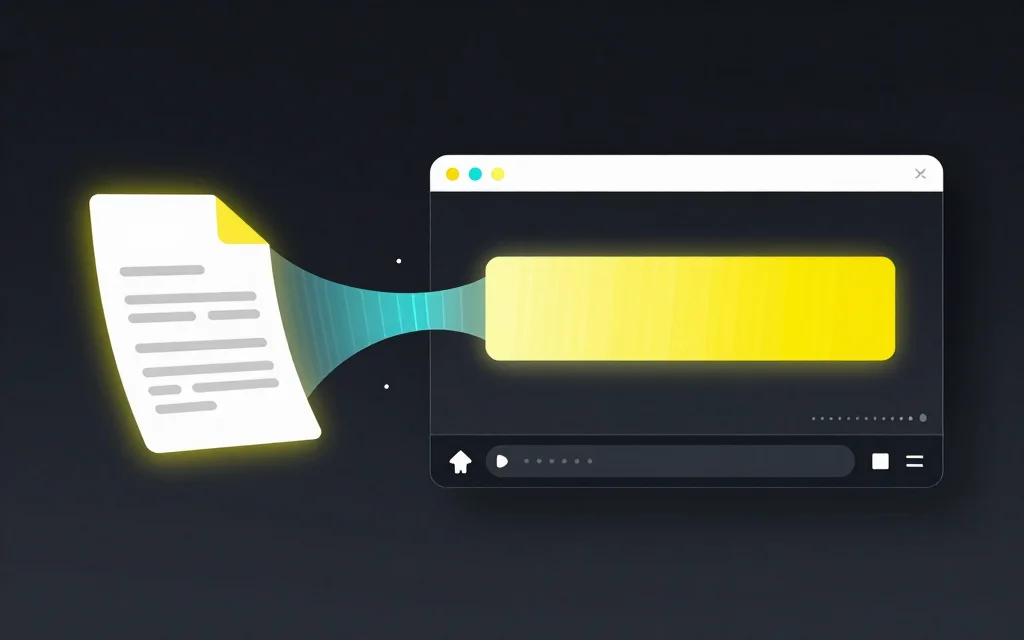
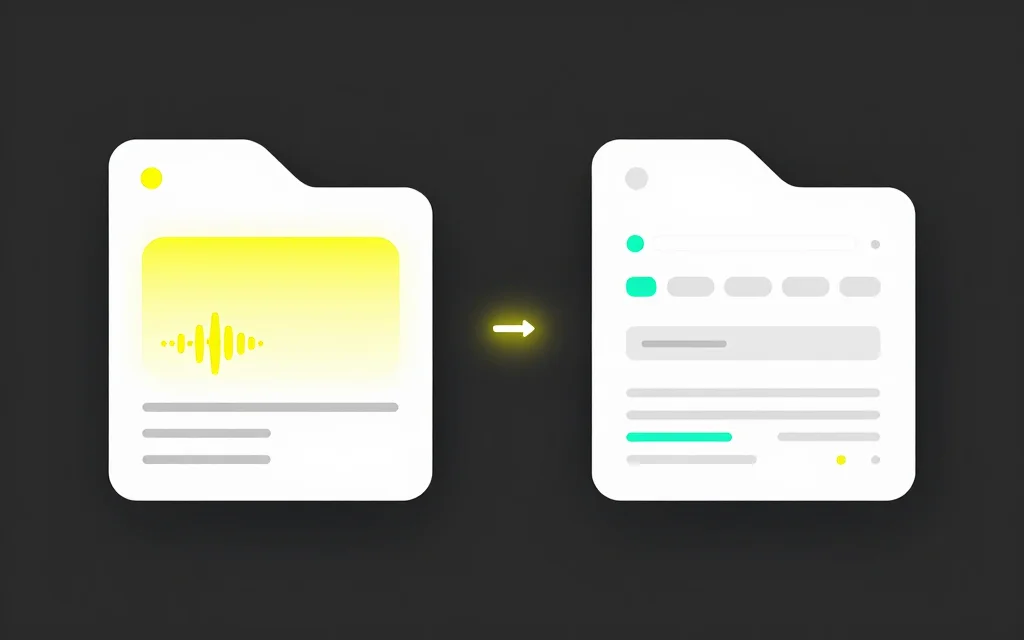
Converting SRT to VTT is usually a small job, but it is not the same as renaming the file extension. WebVTT uses a different timestamp style, expects a WEBVTT header, and may be handled differently by web players.
If you need captions for HTML video, a web course, documentation, or a custom player, convert the file properly and check the output before you publish.
The goal is not to make the file look different. The goal is to make the next player or platform accept it without weird timestamp or header problems.
The short answer
Use an SRT to VTT converter when your source captions are in SRT and the destination expects WebVTT. A good converter changes commas to periods in timestamps, adds the WebVTT header, preserves cue text, and keeps timing intact.
Do not open the file, change .srt to .vtt, and hope the player accepts it. Some players are forgiving. Others will fail quietly, which is worse because you may not notice the captions are missing until later.
What changes during SRT to VTT conversion
SRT cues usually look like this:
1
00:00:01,000 --> 00:00:03,500
Welcome back to the show.
VTT cues usually look like this:
WEBVTT

00:00:01.000 --> 00:00:03.500
Welcome back to the show.
The visible text stays the same, but the wrapper changes. SRT uses cue numbers and commas in timestamps. VTT starts with a header and uses periods. VTT can also include optional cue settings, although most simple conversions do not need them.
That tiny punctuation change matters because subtitle parsers are strict. One malformed timestamp can make a file fail.
When you should use VTT
Use VTT when the subtitles will be used in a browser or web-first product. HTML video captions commonly use WebVTT. Many course platforms, product documentation sites, and custom players expect .vtt files.
Use SRT when you need broad compatibility with editors, upload platforms, and general caption workflows. If you are not sure which format someone wants, ask for the destination. The correct format depends on where the file goes, not which one looks nicer in a text editor.
If you are comparing the two formats more broadly, read SRT vs VTT.
Step-by-step workflow
Start with the cleanest SRT file you have. If the captions came from an auto subtitle tool, skim the file first for obvious text errors and weird cue breaks.
Open the free SRT to VTT converter, paste the SRT text or upload the .srt file, then convert in the browser. Download the .vtt output and keep the original SRT as your source file.
Before you publish, open the VTT file and check three things:
- The first line is
WEBVTT - Timestamps use periods, not commas
- The first, middle, and final cues still match the source timing
That small check catches most conversion mistakes.
Common mistakes
The most common mistake is changing the extension only. A renamed file may still contain SRT timestamps, which is not a proper WebVTT file.
Another mistake is editing captions after conversion and forgetting to update the source SRT. If your team uses SRT as the master file, fix the SRT first, then regenerate VTT. That keeps every exported version aligned.
People also copy captions through rich text tools. That can introduce smart quotes, hidden formatting, or strange line breaks. Subtitle files should stay plain text.
Finally, do not assume conversion fixes timing problems. If the SRT has overlaps or bad cue order, convert after you validate the file. Use the subtitle editor if you need to fix timing first.
When not to convert
Do not convert to VTT just because it sounds more modern. If the platform asks for SRT, use SRT. If your video editor imports SRT cleanly, stay with SRT until you have a real web playback need.
Do not use VTT as a substitute for burned-in captions either. VTT is a separate caption file. If you need captions permanently visible in a social video, generate styled captions or export a video with captions embedded.
Related tools and guides
- Convert in the browser with the SRT to VTT converter
- Convert the other direction with VTT to SRT
- Fix timing first in the online subtitle editor
- Generate captions from a video with the auto subtitle generator
- Compare formats in SRT vs VTT
FAQ
Can I convert SRT to VTT by renaming the file?
No. Renaming changes the filename, not the subtitle syntax. Convert the timestamps and header properly.
Does SRT to VTT conversion change the subtitle text?
It should not. The caption text should stay the same unless you edit it before or after conversion.
Why does VTT use periods in timestamps?
WebVTT uses a different timestamp syntax from SRT. That is one of the main reasons a real conversion is needed.
Should I keep the original SRT file?
Yes. Keep the SRT as your source if that is where your captions were edited. Export VTT from the clean source when needed.
What if my converted VTT does not work?
Check the WEBVTT header, timestamp punctuation, blank lines, and cue order. If the source file has timing errors, validate it before converting again.