Free
For finishing your first short videos with the full editor.
$0
Free forever
10 minutes / month
- Videos up to 3 min each
- Uploads up to 200 MB
- Process 1 job at a time
- Up to 1080p export
- CaptionBolt watermark on exports
Pricing
Every plan includes polished captions, the original framing, the full editor, and all 338 caption styles. Choose by monthly processing minutes—not video count.
10 free processing minutes every month · No card required · 30-day money-back guarantee on paid plans
For finishing your first short videos with the full editor.
Free forever
10 minutes / month
For creators publishing short videos every week.
Billed annually at $72 · Save 33%
60 minutes / month
For higher-volume publishing and professional subtitle exports.
Billed annually at $144 · Save 37%
400 minutes / month
For longer videos and the highest processing priority.
Billed annually at $300 · Save 36%
1,000 minutes / month
Inside CaptionBolt
Start with polished captions and the original framing. Review the text and frame, use Resize when needed, then add Cover, B-Roll, or brand elements only when they help.
Create automatic captions, choose from all 338 styles, and fine-tune type, color, motion, and emphasis.
Review the transcript, split or merge lines, and download the subtitle files included with your plan.
Beyond automatic captions
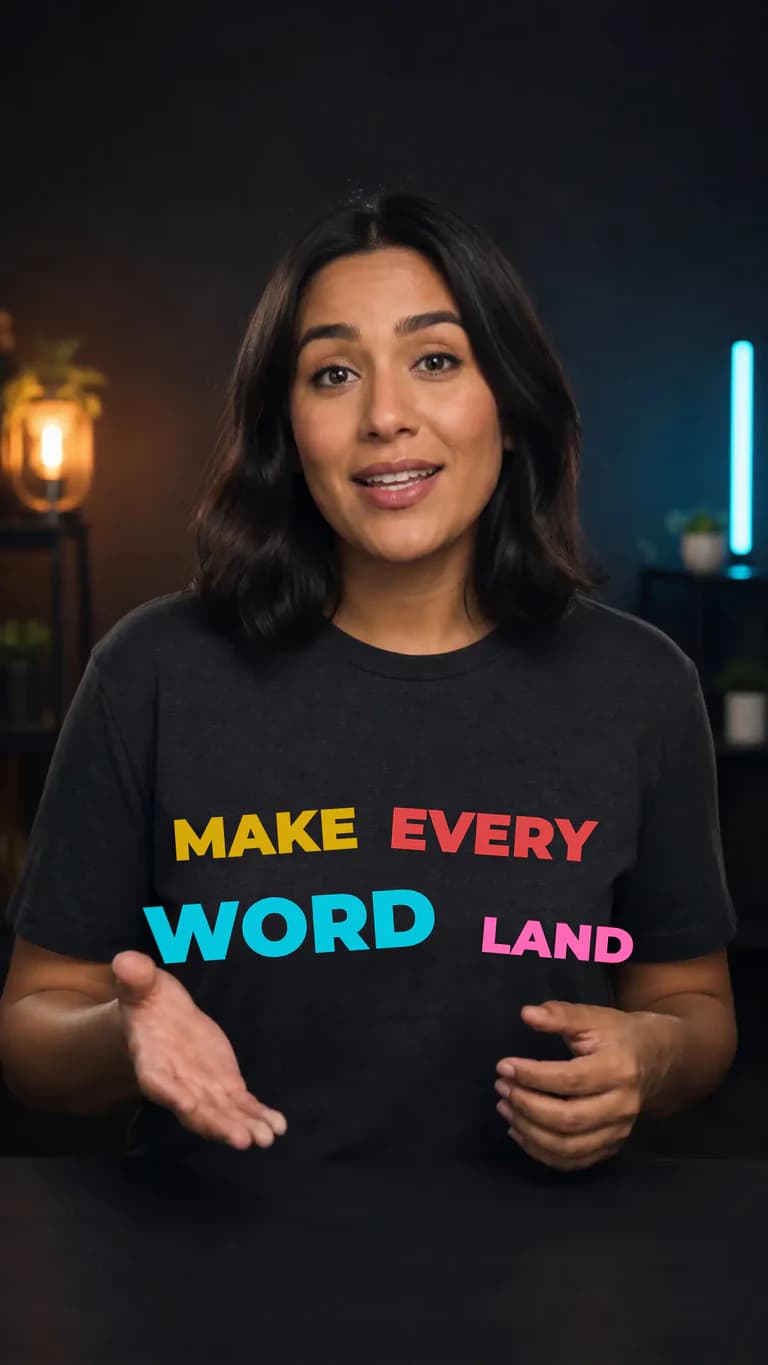
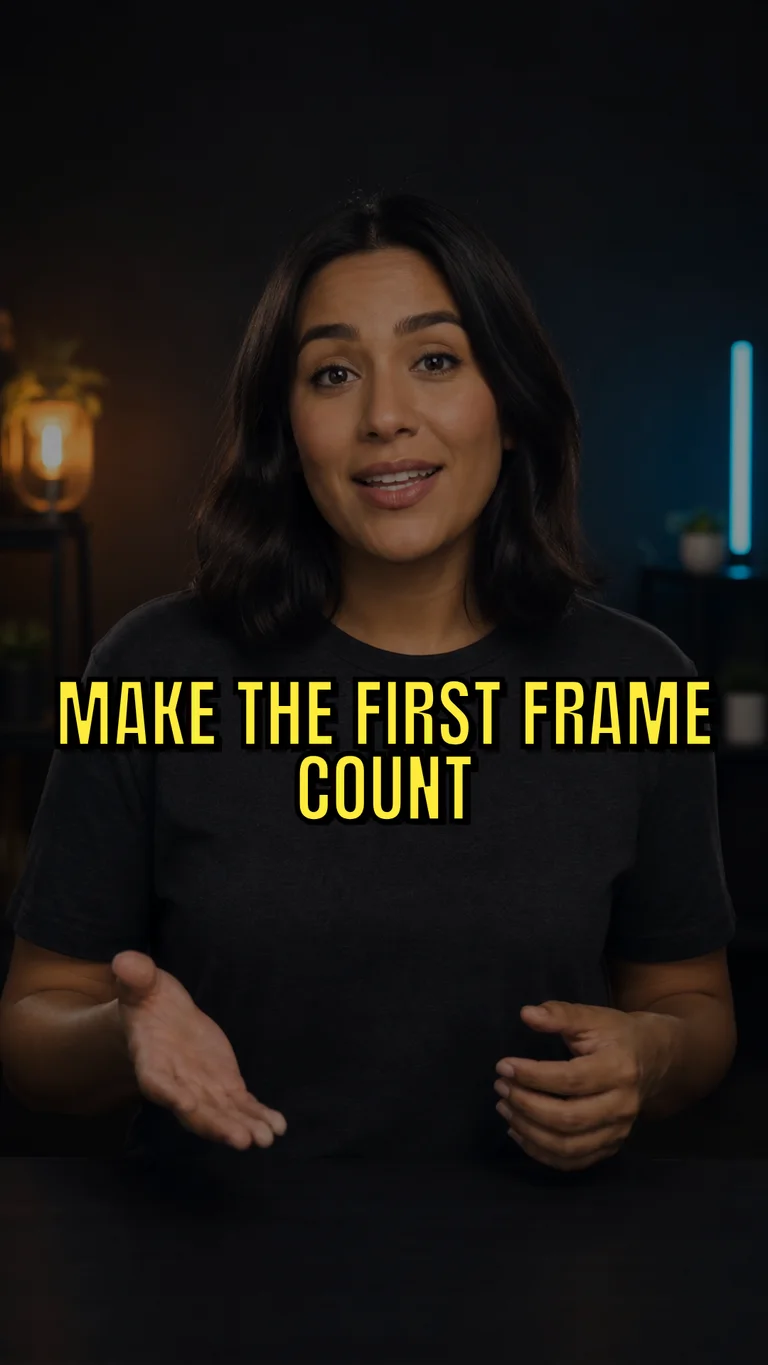
Find the right caption look, strengthen the first frame, and add B-Roll only where it helps.
Captions
Browse six searchable style families, then customize typography, color, highlights, outlines, motion, placement, and keyword emphasis. Every style stays fully editable.
338 styles · 6 searchable families · Full type and motion controls


Cover
Generate three editable headline and supporting-line directions in any of six tones, then apply your favorite to one of 24 Cover designs.
B-Roll
Auto-add transcript-matched Pexels footage at key moments, search for other stock media, or upload your own. Preview every clip, then adjust its timing, layout, and transition before export.

Choose based on monthly minutes, upload limits, processing priority, and the files you need to deliver.
Every plan includes the full editor and all 338 caption styles.
Monthly processing minutes
Maximum upload length
Maximum upload size
Jobs processed at once
Processing priority
Maximum export quality
Watermark
Included export formats
REST API & Webhook automation
MCP server for AI agents
What every plan includes, how processing minutes work, and what changes when you upgrade.
Ready when you are
Upload a short talking video and start with polished captions, the original framing, the full editor, and all 338 caption styles. Upgrade only when you need more processing minutes, longer uploads, or watermark-free exports.
We use cookies to remember preferences, measure site performance, and improve CaptionBolt.