AI for the work after recording

One recording. A finished video—and the words to post it.

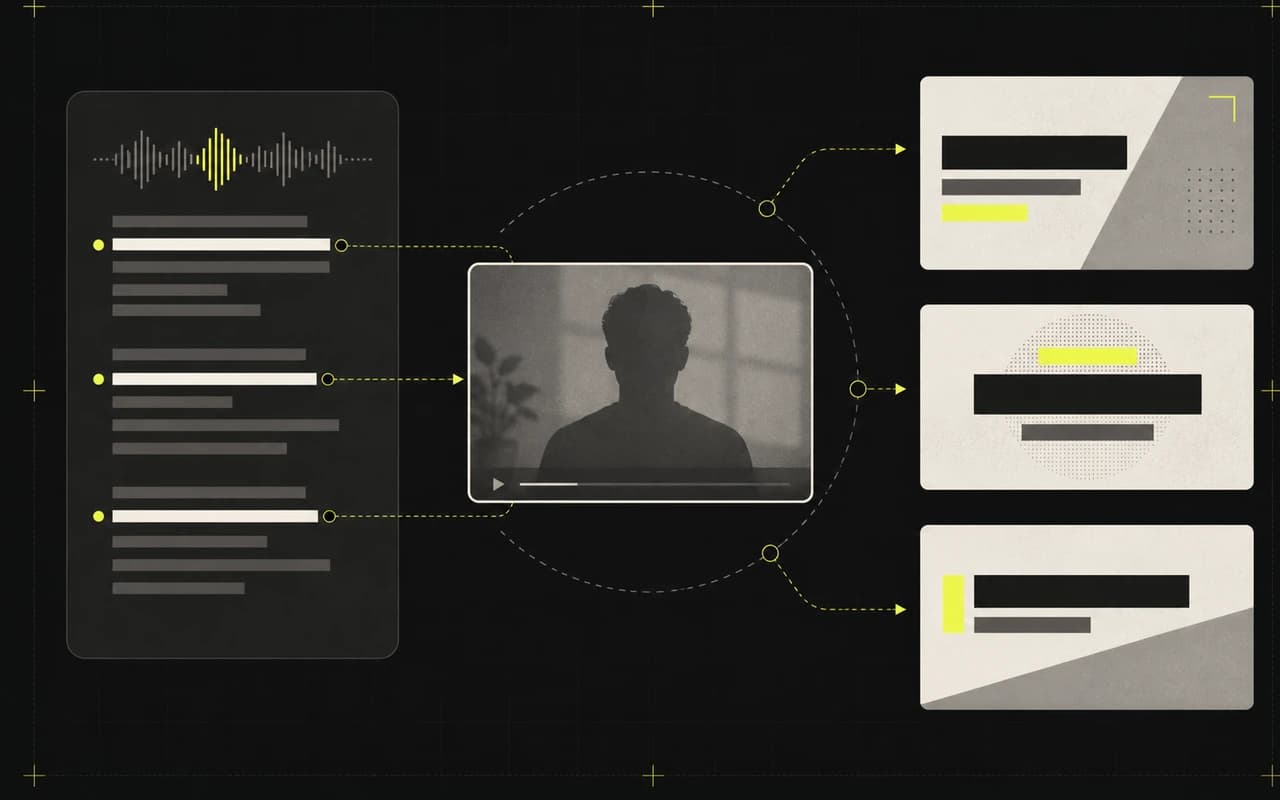
Upload the talking video you already recorded. CaptionBolt turns its message into polished captions, stronger opening ideas, and platform-specific social copy—while you stay in control of every word.

Start with your video

All AI tools are available on every plan without using processing minutes.

CaptionBolt Editor showing styled captions beside a vertical video preview
Actual product interface
  • Bring the recording. Skip the blank page.

    Captions and drafts start with the message already inside your video.

  • Finish the frame and the feed together.

    Build on-video hooks, Cover copy, and posts without moving the project between tools.

  • Keep what works. Change what does not.

    Every generated idea stays editable, and nothing publishes automatically.

One message, four useful outputs

Turn the recording into what the video needs next.

Start with captions, then add only the opening ideas or publishing drafts that move this video closer to being posted.

AI Captions

Make every word easy to follow—even on mute.

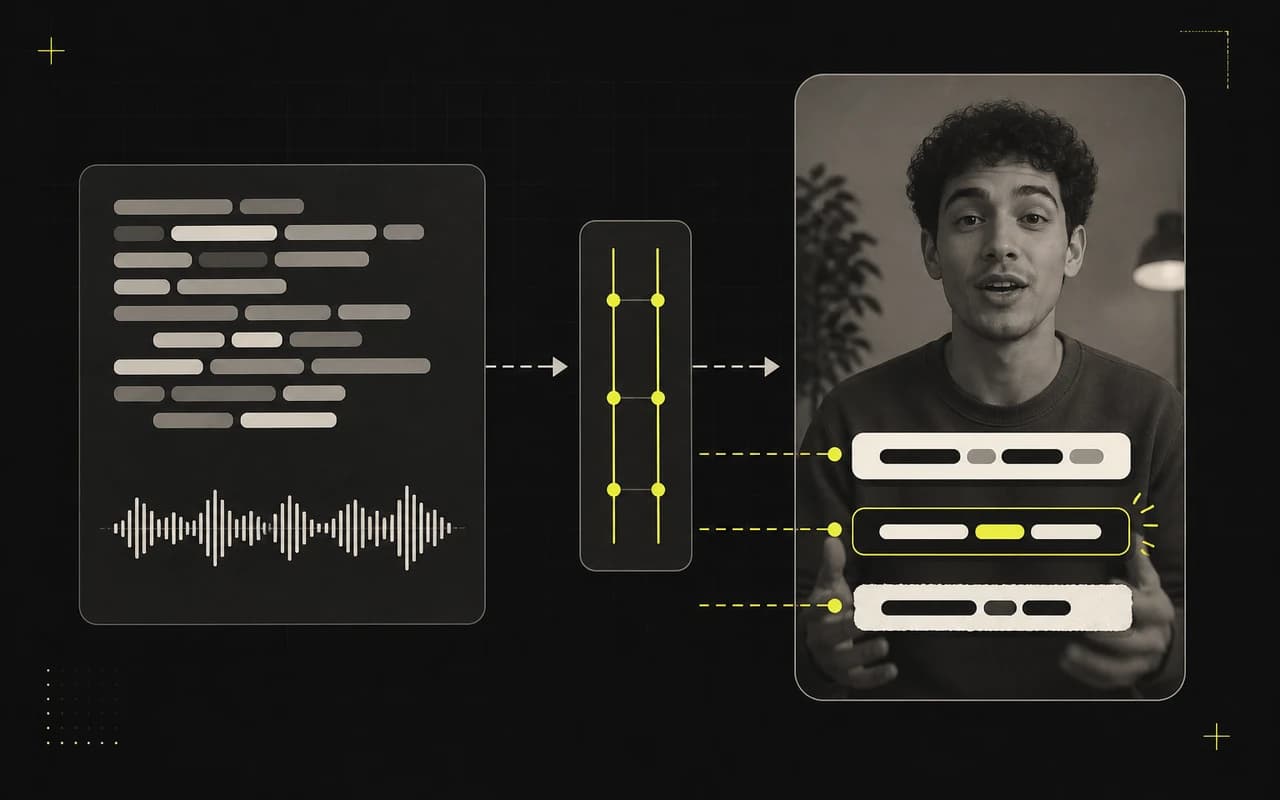
CaptionBolt times the speech, applies a polished caption style, and keeps every word editable before export.

  • Editable captions timed to speech
  • Complete caption style catalog
  • Original framing preserved by default
See this workflow

On-video Headline

Put the reason to watch in the first frame.

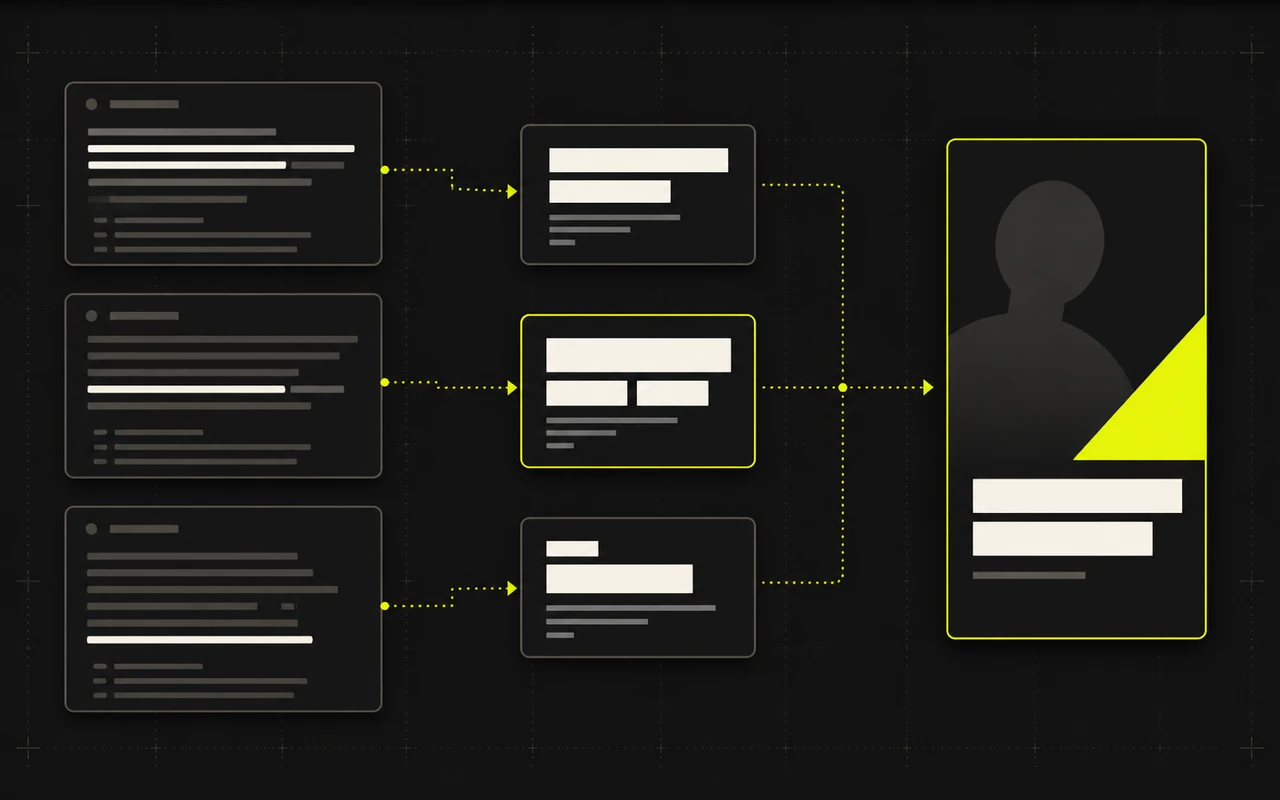
Pull three distinct hook directions from the transcript. Choose the angle that makes the payoff clear, then edit the wording, style, and placement.

  • Information, contrarian, and stakes angles
  • Previewed over the real footage
  • Off until you enable it
See this workflow

Cover copy

Make the topic clear before the video starts.

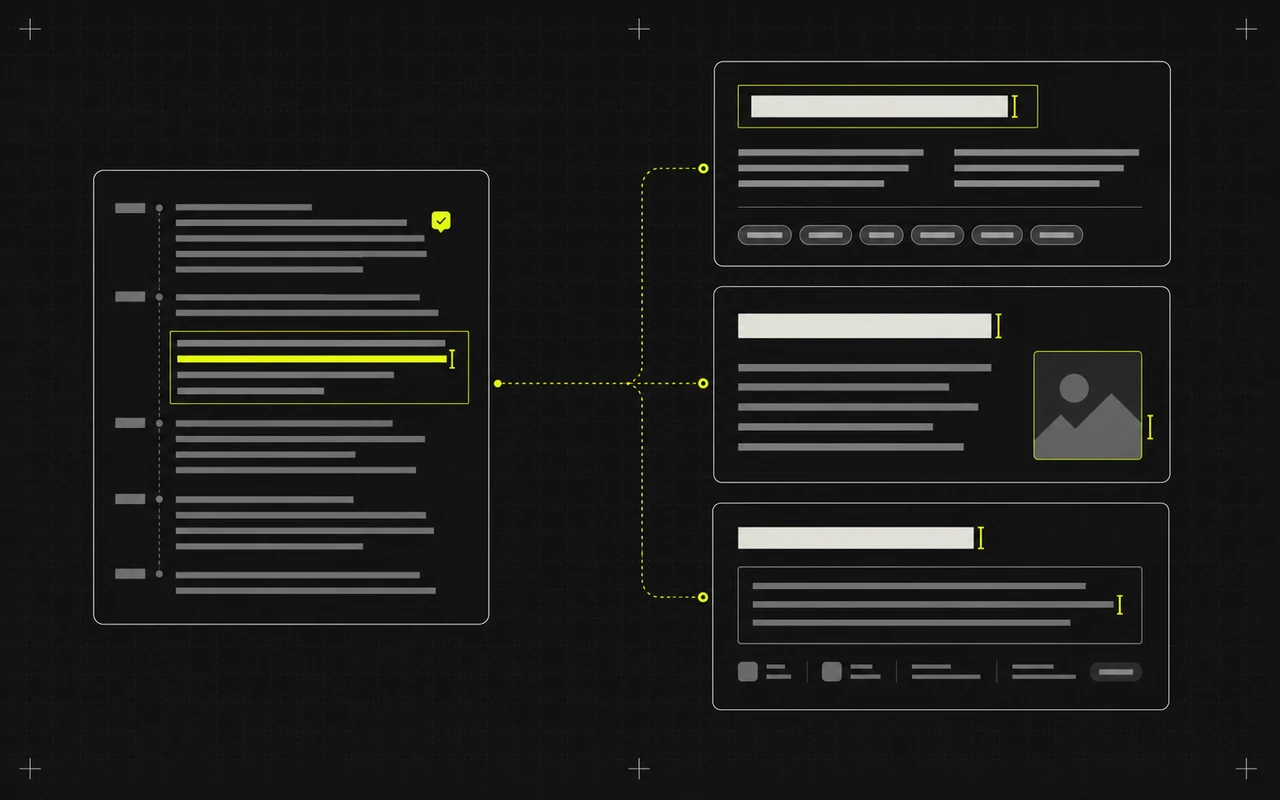
Turn one core idea into three headline-and-supporting-line options, then pair the winner with one of 24 customizable Cover designs.

  • Three paired copy options
  • 24 customizable Cover designs
  • Copy and design stay editable
See this workflow

Social posts

Leave the editor with every post already started.

Turn the finished message into separate drafts for TikTok, Instagram Reels, and YouTube Shorts instead of rewriting it for every platform.

  • Platform-specific publishing fields
  • Edit or regenerate one field at a time
  • Nothing publishes automatically
See this workflow

From recording to ready to publish

Upload once. Build from one clear message.

CaptionBolt keeps the transcript, the on-video ideas, and the publishing drafts in one finishing flow.

  1. 01

    Bring the footage

    Upload the talking video that already contains the message.

  2. 02

    Generate only what you need

    Start with captions, then create the optional hook, Cover, or social drafts that help this video.

  3. 03

    Review everything in context

    Check the video and the copy together, then export and publish the version you approve.

Start with your own footage

The hard part is recorded. Finish the video and the post.

Upload your footage, get the first drafts moving, and keep only the version you are ready to share.

Included on every plan. AI tools do not use processing minutes.

We use cookies to remember preferences, measure site performance, and improve CaptionBolt.