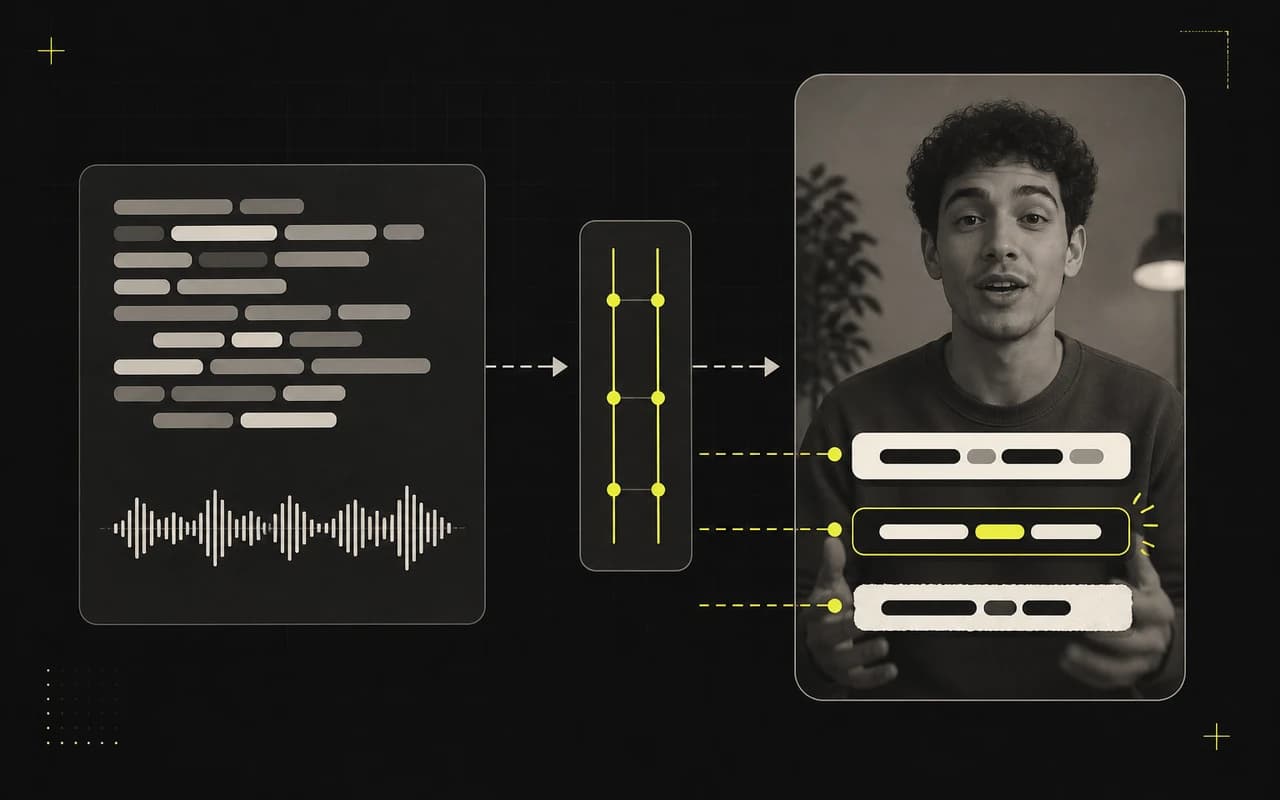
Build the package together
Make every field reinforce the video.
Lead with a focused title, support it with a compact description, and use plain tags that match the topic. Review all three together instead of solving three blank fields separately.
AI YouTube Shorts publishing kit
Turn one transcript into a complete, editable YouTube Shorts draft. Build the title, description, and tags together, then add the links, credits, offer, or call to action only you know.
Included on every plan. AI tools do not use processing minutes.

Three fields, one job
Build the full publishing draft from the words viewers hear in the finished video.
Build the package together
Lead with a focused title, support it with a compact description, and use plain tags that match the topic. Review all three together instead of solving three blank fields separately.
Add what the transcript cannot know
Add the real link, offer, credit, or call to action. Edit any field or regenerate only the part that needs another pass before you copy it.
From video to YouTube draft
Generate the supported YouTube fields together, add the context only you know, and leave with one draft ready for your approval.
Use the transcript from the Short you are preparing to publish.
Draft a Shorts title, compact description, and plain tags together.
Insert the links, credits, offer, or call to action only you know.
Copy the final text when every field supports the same message.
More from the video already open
Move from on-video hooks to platform copy without uploading again or re-explaining the message.
CaptionBolt reads the transcript and pulls out three ways to frame the value. Choose the angle that earns attention without promising something the video never delivers.
Learn moreTurn the transcript from one finished video into distinct drafts for TikTok, Instagram Reels, and YouTube Shorts. Keep the message consistent without writing each post from scratch.
Learn moreTurn the real topics in your transcript into focused TikTok and Instagram hashtags plus separate YouTube tags. Keep the strong matches, remove the weak ones, and skip the forced viral filler.
Learn moreQuestions
No. Social posts prepares compact publishing copy for YouTube Shorts.
No. The current YouTube Shorts draft intentionally excludes timestamps and chapter markers.
Yes. Edit the draft to add links, credits, offers, or context the transcript cannot know before copying it.
Start with the video you already made
Turn the transcript into a focused title, compact description, and tag set—then make the final draft yours.
Included on every plan. AI tools do not use processing minutes.
We use cookies to remember preferences, measure site performance, and improve CaptionBolt.