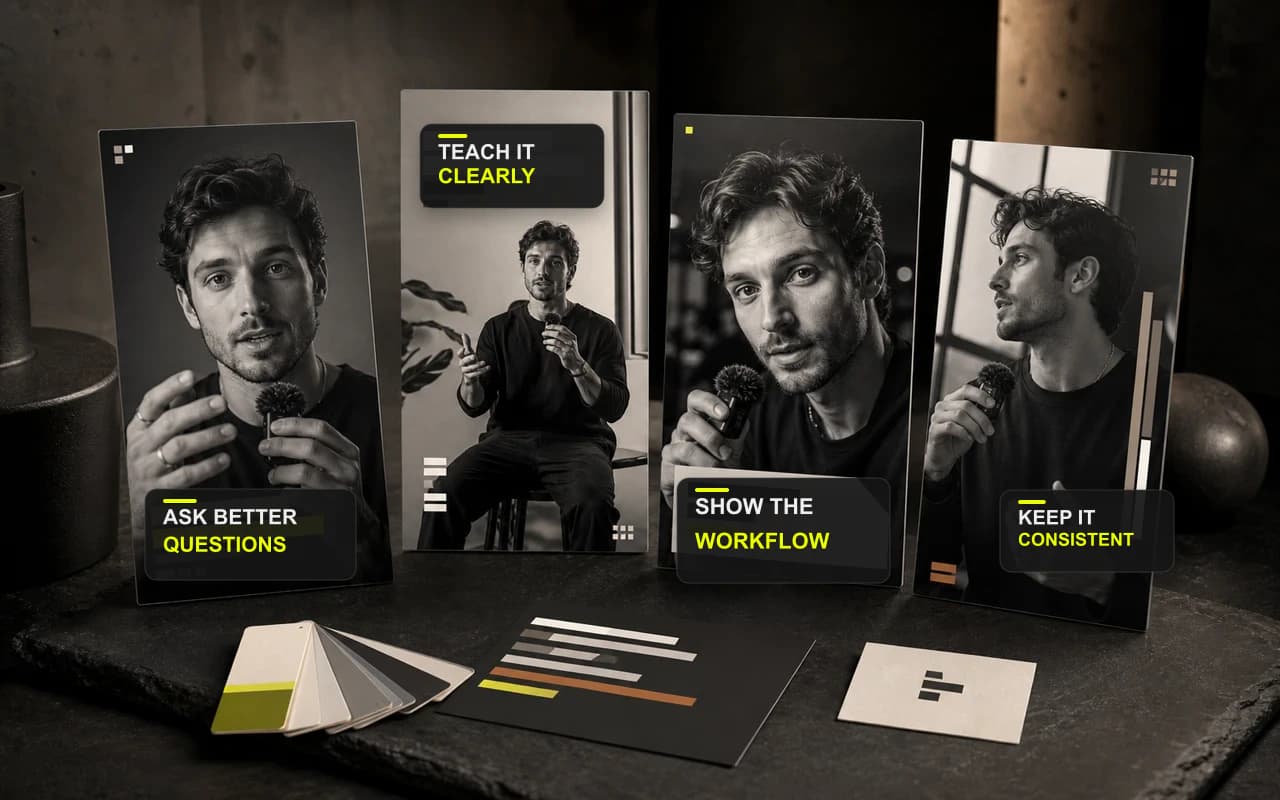
Save from any video
Turn one strong finish into a repeatable system
Capture the visual decisions that make a video feel like your brand, then keep them ready for the next project.
Turn an approved finish into a reusable video preset, so the next project starts with your visual system instead of a blank setup.
No credit card required

Start with your visual system
Carry an approved look into the next recording.
Reuse the choices you already made
Bring recurring visual settings back in one explicit step.
Keep every story original
Repeat the style without copying the content.
Save from any video
Capture the visual decisions that make a video feel like your brand, then keep them ready for the next project.
Your saved presets
Save caption styling, canvas and Resize, Headline and Cover appearance, the selected Logo, and Progress Bar settings from the Editor.
Keep finishing in one place
Add only what this recording needs without moving the work into a complicated multi-track editor.
CaptionBolt turns your recording into timed, styled captions that stay clear with or without sound—and remain editable before export.
Learn moreAdd an optional on-video Headline that frames the promise before the spoken point unfolds—without taking over the story.
Learn moreAdd the right brand mark without stealing attention from the speaker. Keep the placement consistent when the next video needs the same signature.
Learn moreQuestions
A saved preset includes supported visual settings such as caption appearance, canvas and Resize choices, Headline and Cover styling, the selected Logo, and Progress Bar configuration.
No. A preset changes the current project only when you click Apply preset, and the action can be undone.
No. Transcript text, B-Roll, Trim, headline and cover copy, and export scale stay with the original project. You can review and adjust every applied setting before export.
Finish the next take
Save the finish that works, then apply it when a new project needs that look.
No credit card required
We use cookies to remember preferences, measure site performance, and improve CaptionBolt.