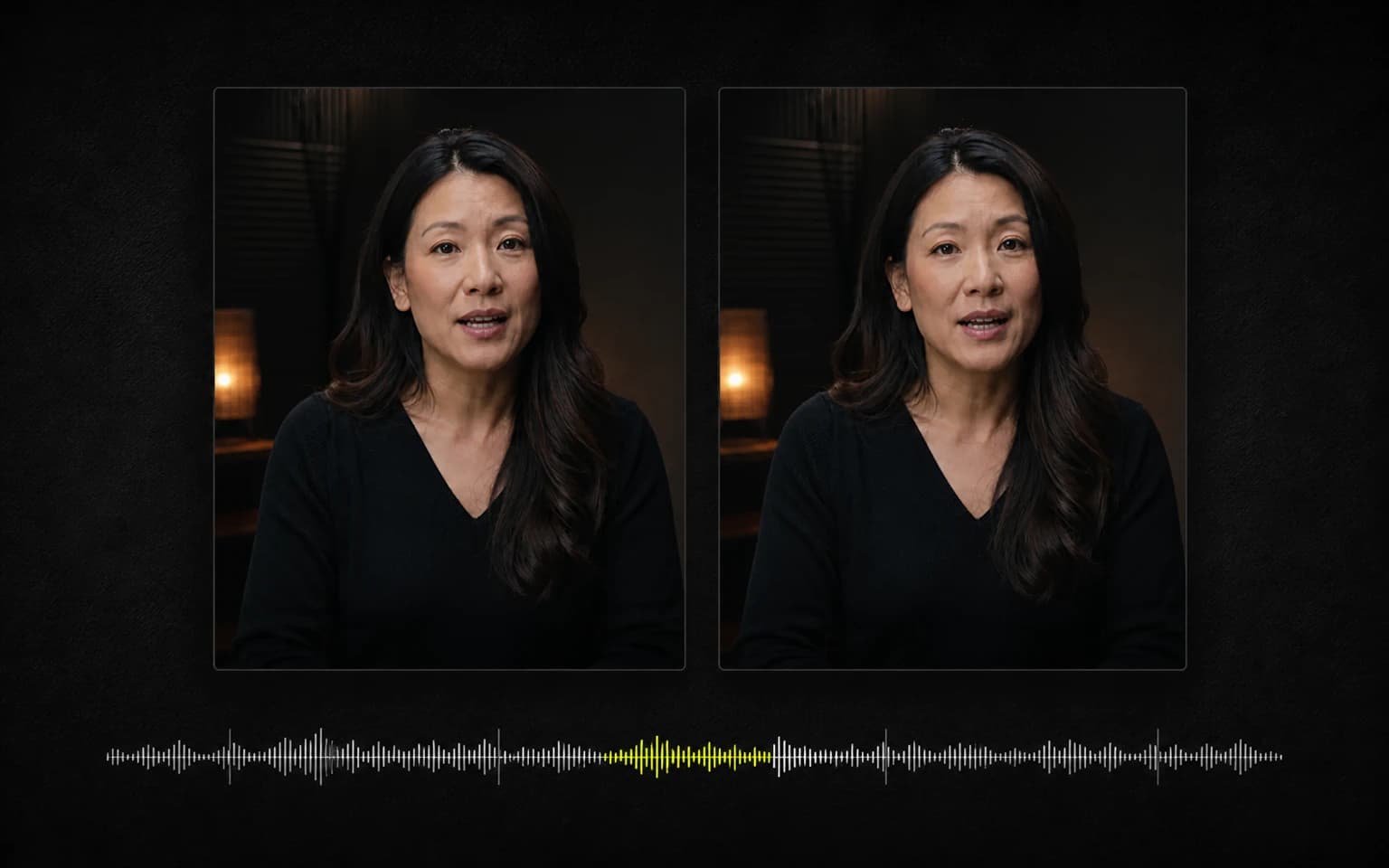
300 Caption Styles: Why Captions Matter
A historical 300-style milestone and a practical look at accessibility, sound-off viewing, readability, and what styling cannot guarantee.

Kevin Li
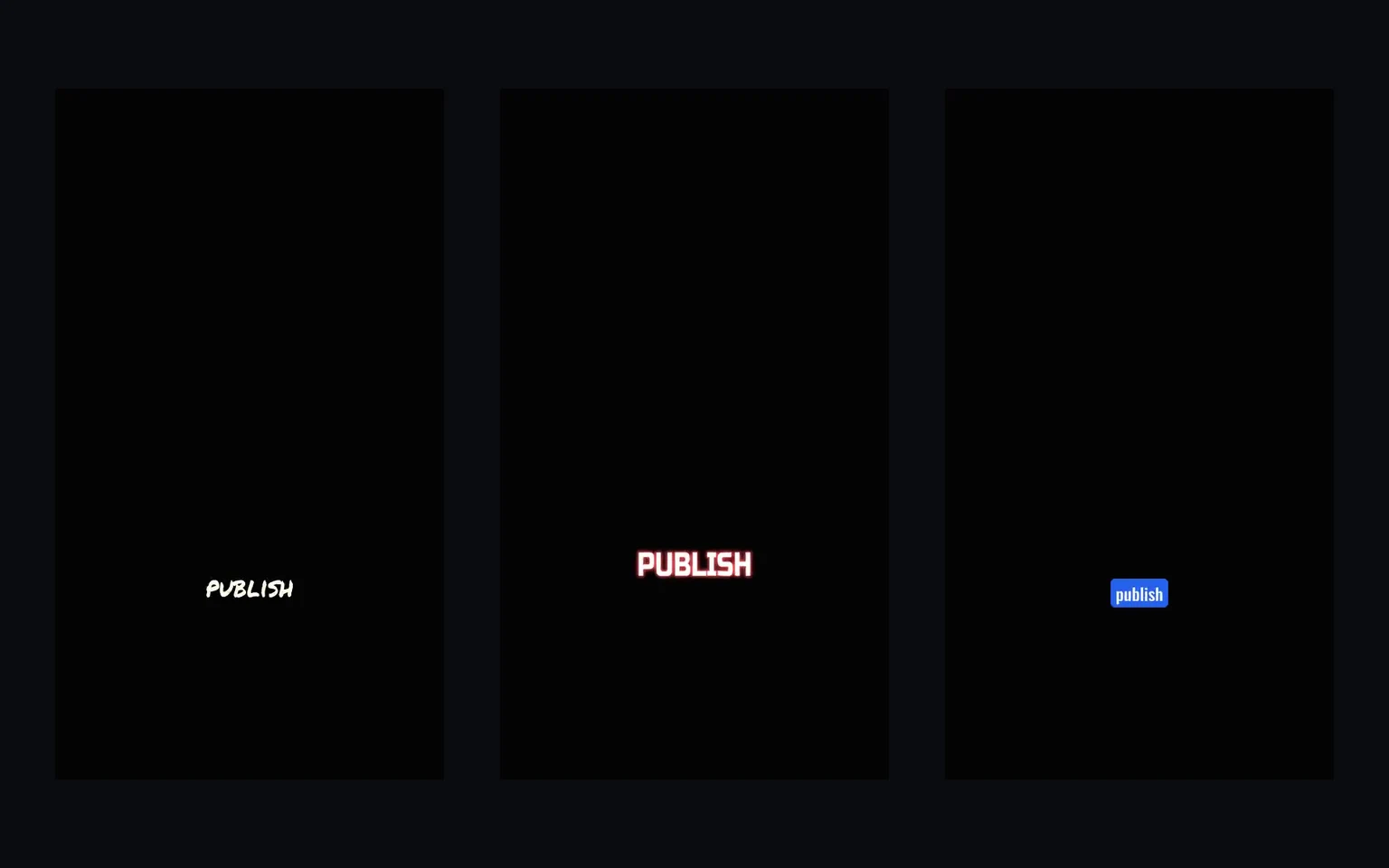
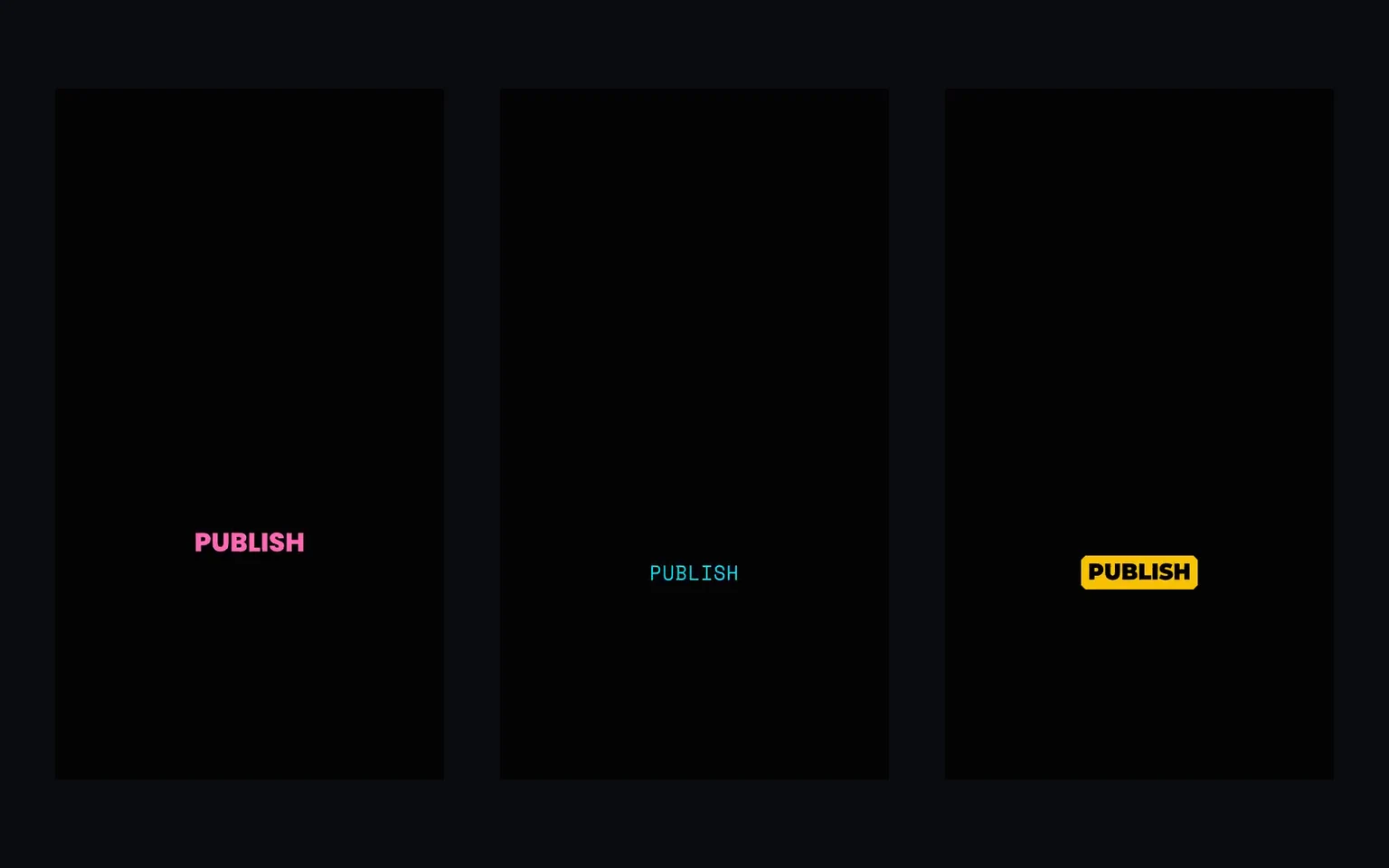
This article records the point when CaptionBolt reached 300 caption styles after launch. The catalog has continued to grow and is now presented publicly as 338 caption styles, all available on every plan.
The milestone is useful, but the more important question is what captions actually do—and what they cannot promise.
Why Captions Matter
Accessibility
Captions make spoken content available to viewers who are deaf or hard of hearing. They can also help when audio is difficult to hear or understand. Accurate text, sensible segmentation, and readable presentation matter more here than a dramatic effect.
Sound-Off Viewing
People often encounter videos where they cannot or do not want to play audio. Captions provide a way to follow the message in that situation. We do not attach an unsupported percentage to this behavior or claim that every captioned video will retain more viewers.
Clarity and Review
A written version can help with names, technical terms, accents, and dense explanations—but only if the transcript is correct. Automatic transcription can make mistakes. CaptionBolt keeps text review in the workflow before export.
Reusable Text
SRT, ASS, VTT, and TXT exports can make the transcript useful outside the burned-in video when the active plan supports them. A platform may use a subtitle track for accessibility or indexing, but CaptionBolt does not guarantee search rankings or distribution.
What Style Adds
Style can establish hierarchy, contrast, pacing, and brand consistency. Word-level emphasis may help direct attention, while restrained styles may better suit instructional or professional material.
Those are design choices, not a formula for virality. CaptionBolt does not claim that uppercase text, center placement, kinetic timing, or any particular category will automatically increase views or watch time.
Short-Form Without Forced Cropping
Short-form videos often use captions as part of the composition. CaptionBolt supports that with 338 styles and optional Resize controls, but the default is Original framing. Uploading a landscape or square source does not automatically produce a vertical crop.
Caption position is adjustable. Platform interfaces and overlays vary, so there is no automatic safe-zone guarantee for every TikTok, Reel, or Short. Check the final composition for the destination.
A Catalog, Not a Ranking
CaptionBolt organizes styles into visual directions such as Social Hype, Storytelling, Music, Professional, Artistic, and Minimal. The categories help narrow choices; they are not performance rankings.
The best practical approach is to preview a few styles with the actual transcript, check line breaks and timing, and choose the one that fits the content. The Editor also includes 24 Cover designs, which are separate from the caption-style count.
Current Access
Every Free, Starter, Pro, and Max plan includes all 338 caption styles. Format access still varies by plan: SRT and ASS start with Pro, Max adds VTT, and MP4 and TXT are available more broadly.
Captions can make a video more accessible and easier to follow. Styling can make them fit the content. Neither replaces review, and neither guarantees reach.
Useful Next Steps
Try the auto subtitle generator, clean the text in the subtitle editor, or read how to add subtitles to a video.