SRT and ASS Export: What Each Caption Format Includes
How CaptionBolt exports MP4, TXT, SRT, ASS, and VTT today—including plan access and external-player limits.

Kevin Li
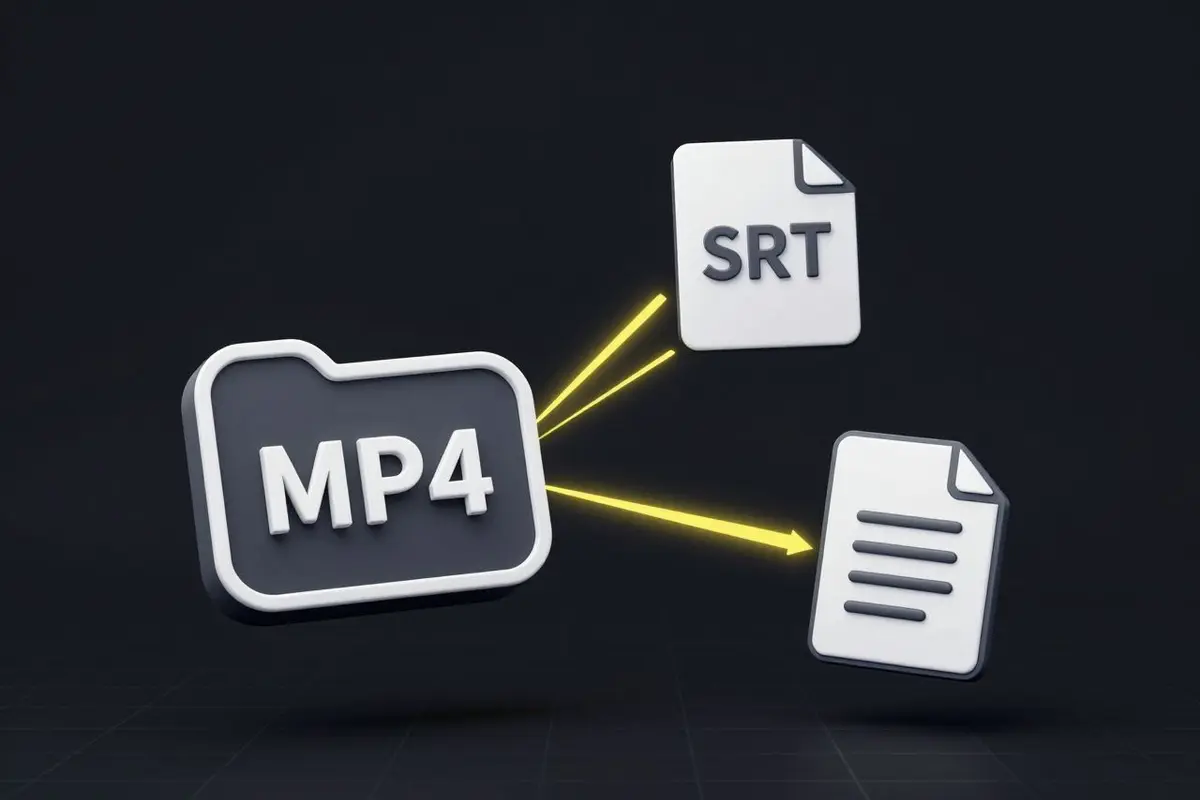
Some creators want a finished video with captions burned in. Others need a subtitle file for an editor, a player, or a publishing platform. CaptionBolt supports both workflows, with formats determined by the active plan.
Current Export Formats
| Plan | Available formats | |---|---| | Free | MP4, TXT | | Starter | MP4, TXT | | Pro | MP4, SRT, ASS, TXT | | Max | MP4, SRT, ASS, VTT, TXT |
Every plan includes all 338 caption styles, but that does not mean every plan includes every file format. Free MP4 exports carry a watermark; paid subscription exports do not.
What the Files Preserve
TXT contains the transcript as plain text.
SRT contains caption text and timing in a widely supported subtitle format. It does not carry CaptionBolt’s visual style.
VTT also contains text and timing and is commonly used on the web. It is currently available with Max.
ASS can carry typography, colors, positioning, outlines, backgrounds, and supported animation. CaptionBolt’s browser preview and burned-in render share the canonical ASS-based style document, which helps keep preview and export aligned.
“Aligned” is not a promise of identical rendering in every external application. An ASS file references fonts and supported effects; another player or editor may substitute a missing font or implement ASS differently. Review the result in the destination application. A burned-in MP4 is the most reliable way to preserve the appearance CaptionBolt rendered.
Caption timing comes from the reviewed transcript and its word timing. Unclear speech or an uncorrected transcript can still produce imperfect text or timing, so check the captions before export.
How Downloads Work
Open the export controls and download each format that your plan allows. CaptionBolt does not currently bundle multiple outputs into a ZIP and does not provide a “Download All” archive.
The MP4 uses the same reviewed captions. It preserves Original source framing by default; Resize changes are included only when you choose them.
Choosing a Format
Use MP4 when you want the styled captions fixed into the video. Use SRT or VTT when the destination needs a conventional subtitle track. Use ASS when you need supported styling and can verify the font and ASS behavior in the target application. Use TXT when the transcript itself is the asset.
Related Subtitle Tools
For lightweight file work, use the subtitle converter, SRT to ASS converter, or subtitle editor. The SRT vs VTT guide explains the plain subtitle formats in more detail.