150 Caption Styles: What We Learned Building a Style Library
A historical 150-style milestone, updated with today’s 338 styles, custom fonts, and review-first workflow.

Kevin Li
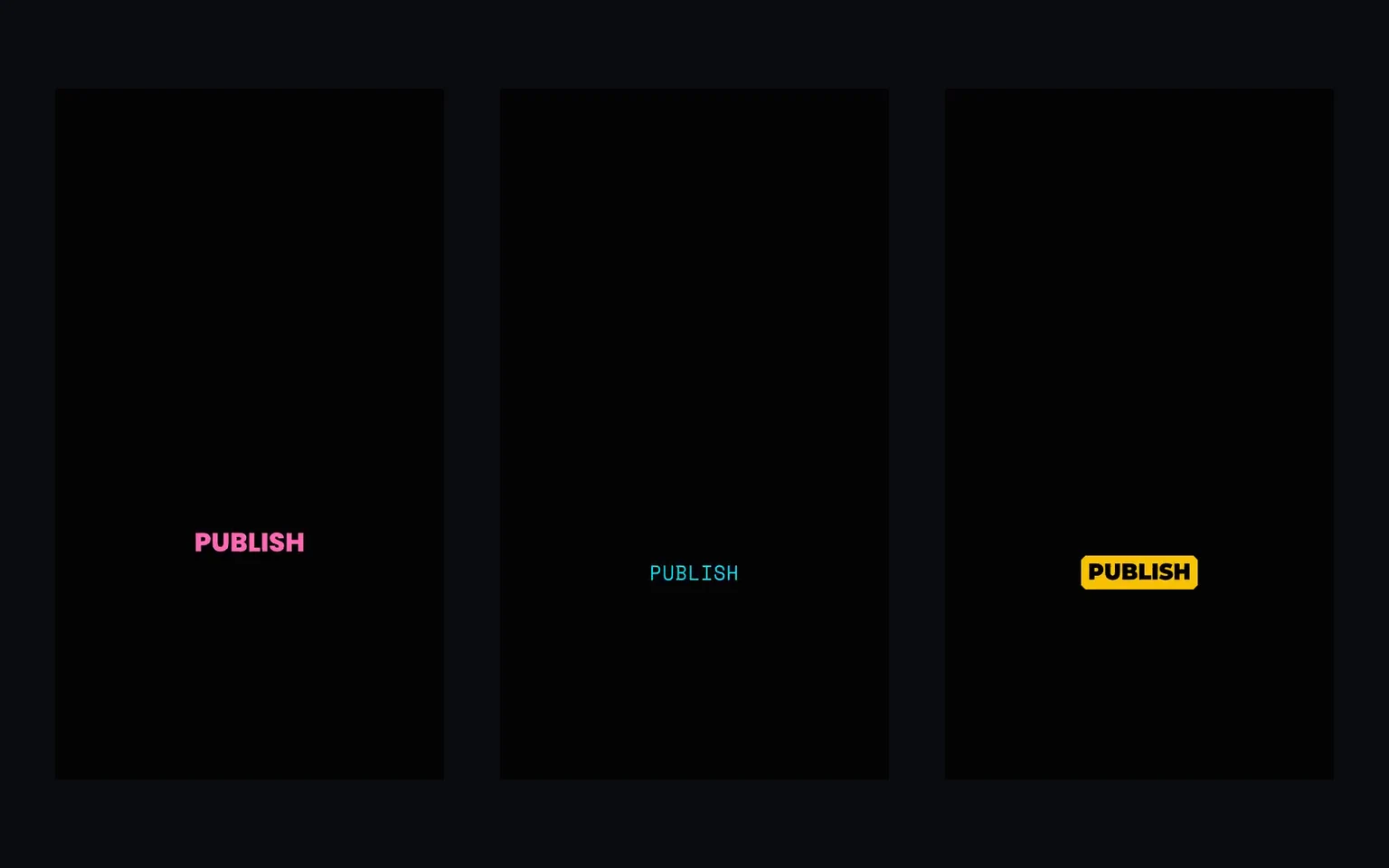
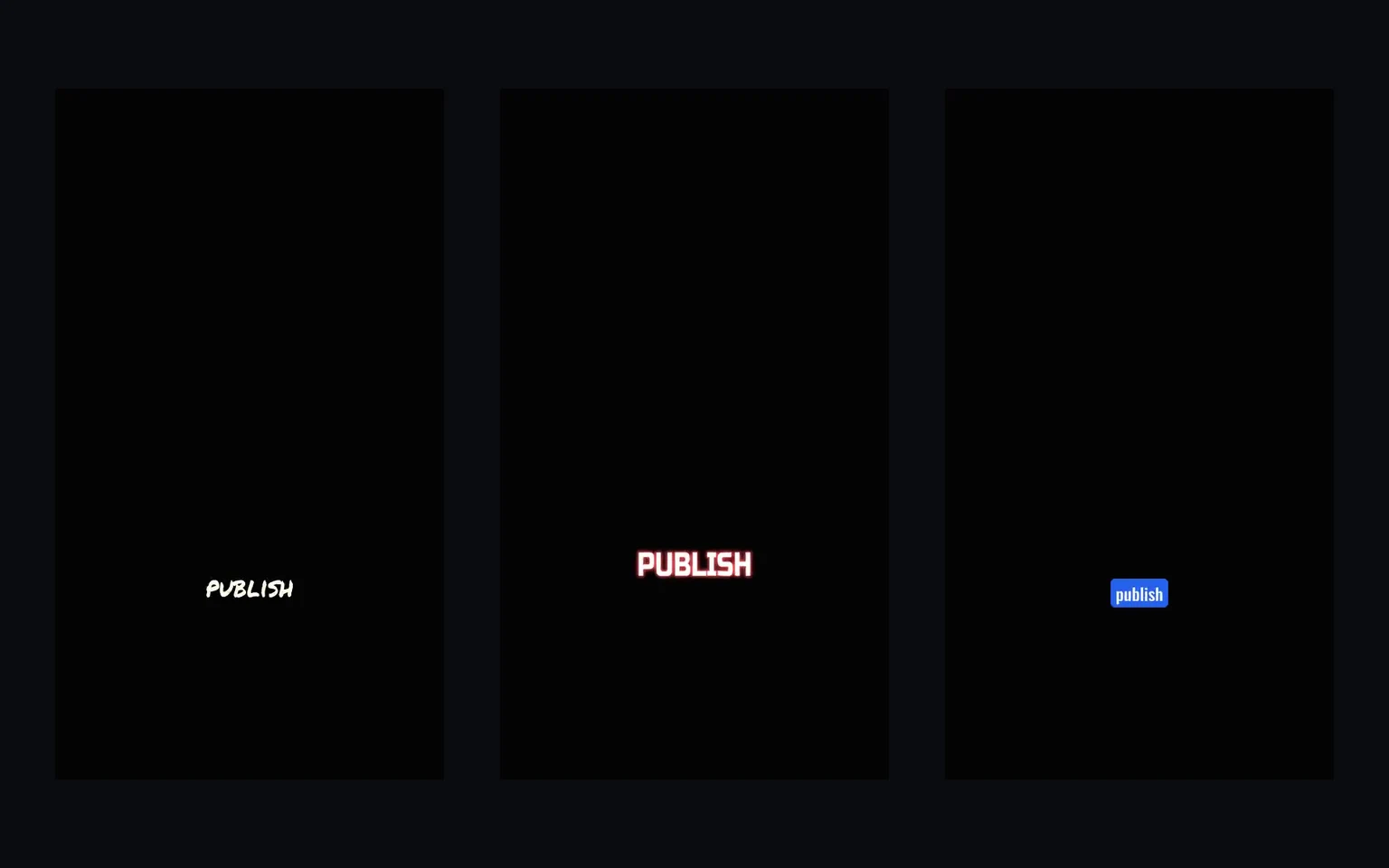
This article records an earlier catalog milestone after CaptionBolt launched: reaching 150 caption styles. The number is historical. CaptionBolt now offers 338 caption styles on every plan, including Free.
Why Build a Broad Style Library
A style that fits a high-energy sales clip may be wrong for a tutorial, interview, meditation, or training video. A broader catalog gives creators room to find a visual voice without rebuilding typography and motion for each upload.
That does not mean every user needs hundreds of styles. The useful workflow is to preview a small set with your own transcript, choose one that matches the content, and reuse it consistently. We do not publish unsupported claims about how many styles an average user previews or which exact styles account for most exports.
What the Categories Taught Us
Social Hype
Bold type, contrast, and word-level emphasis can make captions part of a short-form composition. Timing comes from the transcript and should be reviewed rather than treated as frame-perfect.
Storytelling
Restrained typography and gentler motion can keep attention on the speaker and footage. “More animated” is not automatically better.
Music
Sequential highlighting is especially sensitive to timing. CaptionBolt can use word timing to drive the effect, but it does not promise beat detection or perfect karaoke alignment for every recording.
Professional
Clean typography, stable positioning, and readable contrast often matter more than decorative motion in training, presentation, and business content.
Artistic
More expressive effects can help establish a distinctive visual direction, but the creator should still check readability and whether the effect suits the message.
Minimal
Simple styles expose spacing, size, line breaks, and position. Preview remains important, especially across different aspect ratios.
Custom Fonts Today
The original version of this article said custom font uploads were unavailable. That is no longer true.
The account-level Fonts page accepts supported static TTF, OTF, and WOFF2 files up to 10 MB each. After validation, available account fonts can be selected for Captions, Headline, and Cover. Browser preview and final exports use the same strict font-asset contract.
An exported ASS file references its font; it does not package the font file into the subtitle. An external player may substitute a missing font, so verify ASS output in the destination application or use a burned-in MP4 to preserve the rendered appearance.
The Catalog Today
CaptionBolt now presents 338 styles across the catalog, all available on every plan. The Editor also includes 24 Cover designs. The default frame is Original; choosing a style does not automatically crop the source or guarantee a platform safe zone.
The point of the library is choice with review, not an unsupported claim that one style will improve every video.
More on Caption Styles
Read the later 300-style milestone, how to add subtitles to a video, or try the auto subtitle generator.