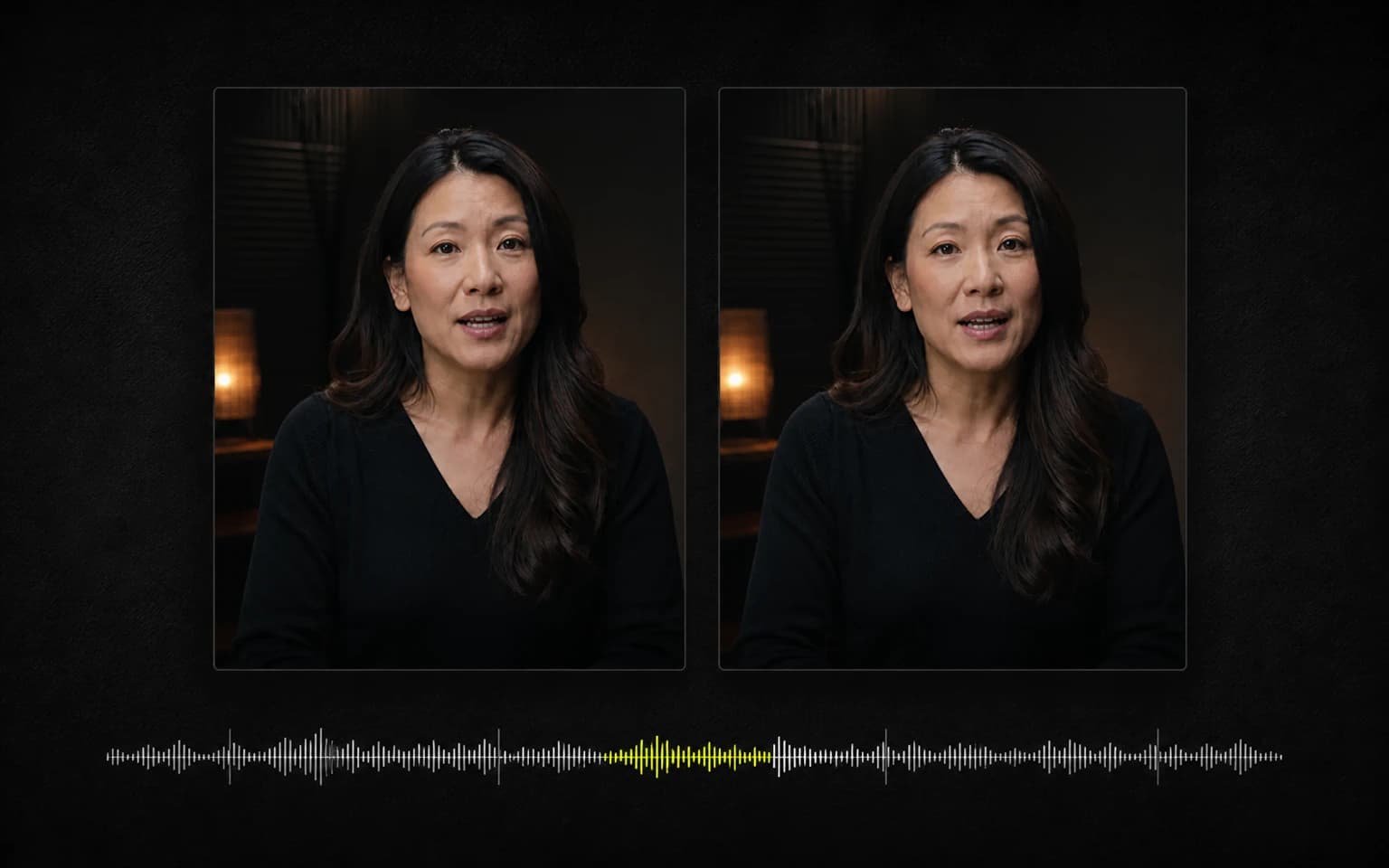
Why Automatic Captions Break at Awkward Points
Why automatic captions break at awkward points, and how CaptionBolt creates a readable draft you can still adjust in the Editor.

Kevin Li
Here's something that bugged me for months.
You upload a video where someone says: "I went to the grocery store yesterday to buy some eggs."
A fixed-word-count caption splitter can break it into something like:
Line 1: "I went to the"
Line 2: "grocery store yesterday"
Line 3: "to buy some eggs"
Read that again. "I went to the" — the what? Your brain has to hold that fragment in working memory until the next line appears. It's like reading a book where someone cut each line with scissors at random intervals.
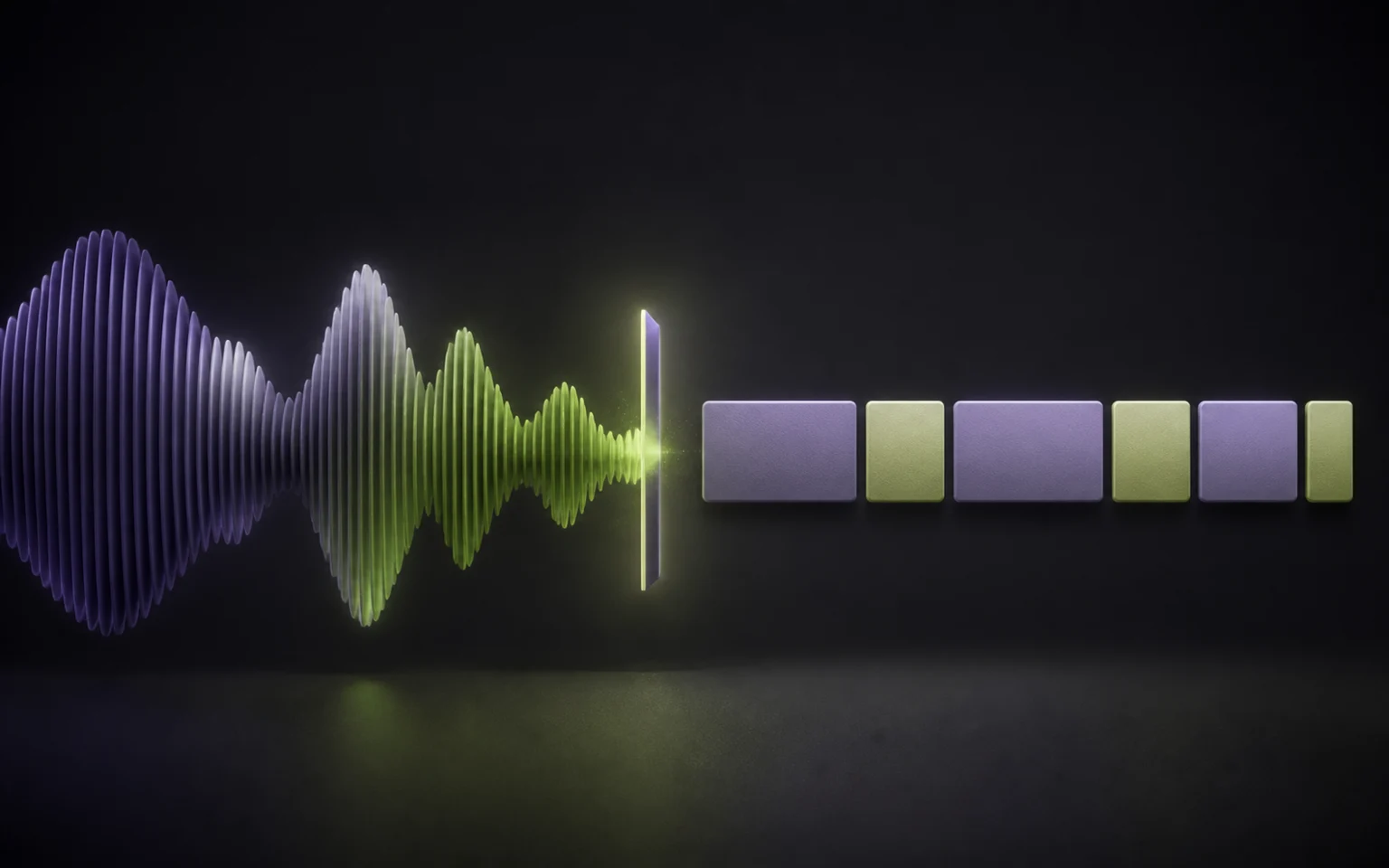
This is the caption segmentation problem. It is easy to miss in a short demo, but it becomes obvious when a phrase is split before the viewer has enough context. It is one reason we treat captions as an editing workflow, not just a transcript pasted on top of a video.
Why It's Harder Than It Looks
Splitting every fixed number of words is consistent, but it often creates awkward fragments. Punctuation gives better break candidates, yet speech-to-text punctuation is imperfect. Timing helps too: a clear pause can suggest a natural break, while a quick breath may not.
The practical job is to balance those signals with a block length that stays comfortable to read. No automatic rule gets every speaker, language, and delivery right, so the result must remain easy to edit.
What We Use Today
We improved the segmentation path around a few simple, verifiable signals:
Punctuation when it is available. A clear sentence ending is a strong break candidate. We do not assume every comma or generated punctuation mark is correct.
Obvious pauses in the timing. A meaningful gap between words can be a useful fallback when punctuation is missing.
A hard block-length limit. The current segmenter splits once an assembled block reaches or exceeds 60 characters. Short fragments can still occur when punctuation or a pause creates a break, which is why the result remains editable rather than being presented as final.
The Editor has the final say. Segmentation is a first draft. You can correct the text and split or merge caption blocks before export when the speaker's delivery calls for something different.
Before / After
Same transcript, old algorithm vs new:
Before:
"So what I've been"
"doing lately is working"
"on this new project"
"that I'm really excited about"
After:
"So what I've been doing lately"
"is working on this new project"
"that I'm really excited about"
The difference looks small in text. In this example, the revised grouping is easier to follow at speech pace because each block carries a more complete phrase. It is still an example, not a promise that one rule will produce the best break for every speaker or language.
Why the Problem Is Easy to Miss
Short demos often contain rehearsed lines and only a few caption blocks. Longer, less scripted speech exposes more punctuation, pause, and phrase-boundary combinations, so awkward breaks are easier to notice.
We noticed the pattern while testing CaptionBolt on our own clips, then changed the segmenter around explicit signals we could inspect. The current logic uses sentence punctuation, pauses longer than 300 ms, clause punctuation, and a 60-character hard limit—in that order.
New uploads already use this segmentation path. Treat the result as an editable first draft: review it in the Editor, then split or merge any block that does not match the speaker's delivery.
Related Reading
If you want to see the user-facing side of this problem, read how to add subtitles to a video or how to edit SRT files. For hands-on fixes, use the auto subtitle generator and the subtitle editor.