Why CaptionBolt Uses Groq for Transcription
A factual look at CaptionBolt’s Groq transcription backend, the rest of the processing pipeline, and why completion time can vary.

Kevin Li
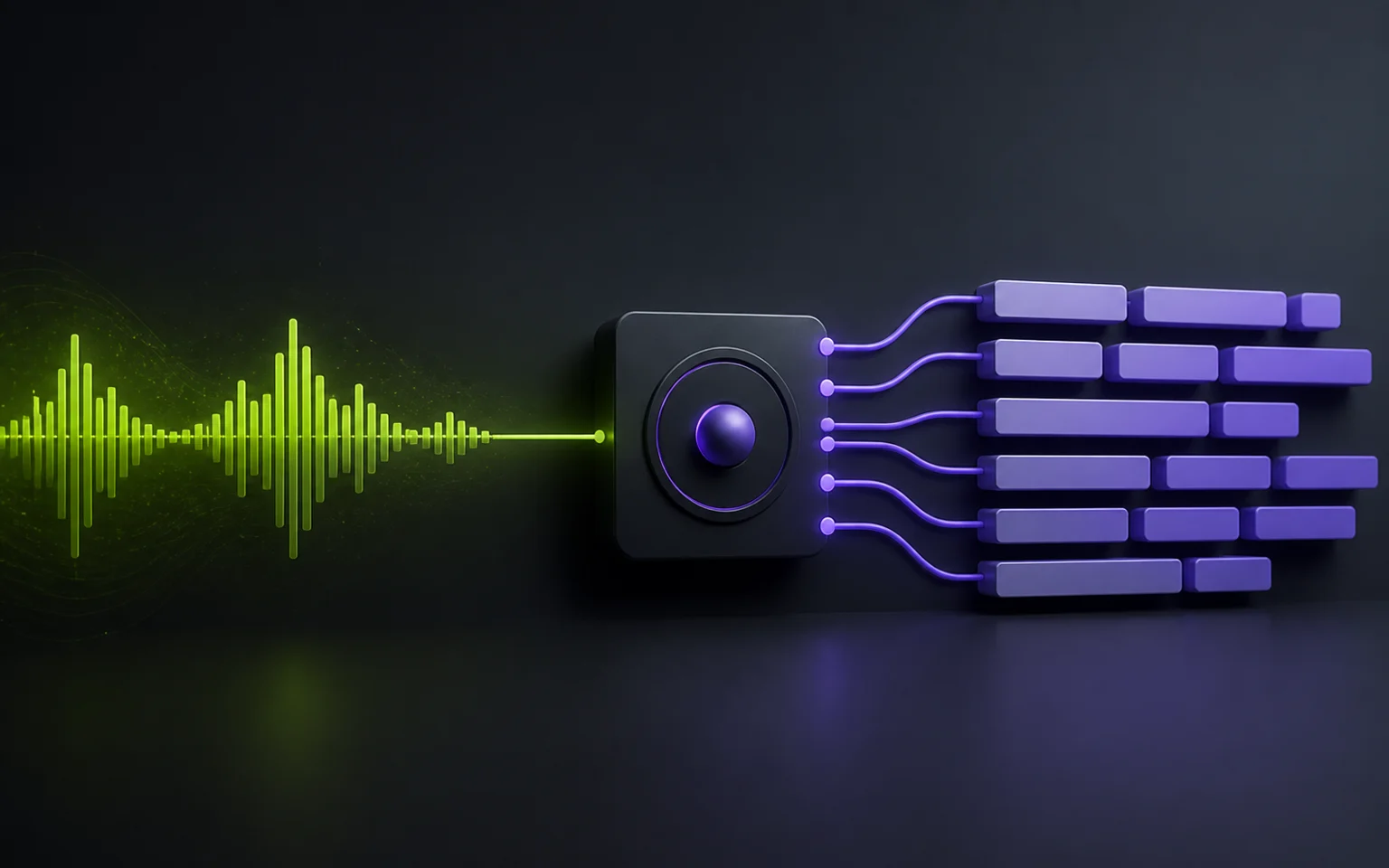
CaptionBolt moved its current transcription workflow to Groq. The provider is an important part of the pipeline, but it is not the whole pipeline—and a provider benchmark is not a promise about how quickly a user’s video will finish.
What Runs on Groq
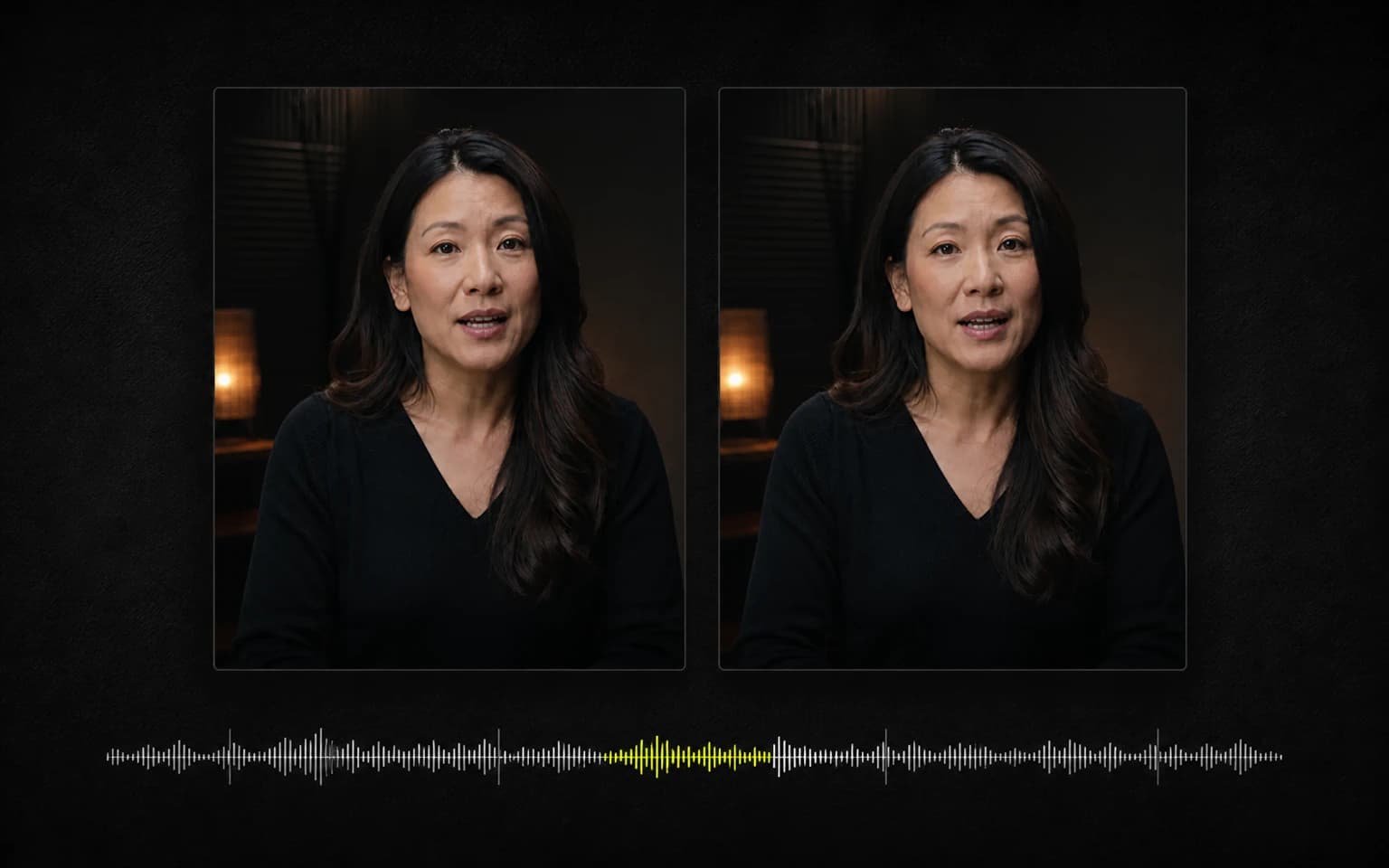
CaptionBolt currently uses Groq as its only transcription provider. Uploaded media is prepared into the supported audio payload, sent for transcription, and returned with text, segments, language information, and word timing used by the caption workflow.
There is no second transcription provider or automatic provider fallback in the current runtime. If the Groq request fails after the product’s supported retry handling, the job can fail and needs a clear recovery path rather than a hidden switch to another model.
Why We Removed the Speed Claims
Earlier versions of this article quoted provider-specific benchmark figures as though they described the complete CaptionBolt workflow. They did not, so those figures are no longer claims we make.
Total processing can include:
- Upload and multipart completion
- Media inspection and normalization
- Audio staging and, for longer inputs, splitting
- Queue time under current account and server capacity
- The Groq request
- Transcript persistence and credit accounting
- Preview generation or final video rendering
Input duration, codec, file size, server load, queue order, and provider availability all affect completion time. A fast provider response does not mean there is never a queue, and CaptionBolt does not promise a fixed end-to-end time.
Timing and Accuracy Still Need Review
Word timing drives caption segmentation and animation, but it is generated from the source audio. Background music, overlapping speakers, accents, technical vocabulary, and poor recordings can affect both text and timing.
Review the transcript before export. CaptionBolt does not claim perfect transcription accuracy, perfect word timing, or identical results for every language and recording.
Language Handling
The upload flow can use Auto language handling or submit a supported language choice. The current provider may return a detected language, but we do not advertise a fixed language-count guarantee. Language availability and results depend on the current provider contract, input validation, and the recording itself. Mixed-language audio deserves especially careful review.
What Users Should Expect
Jobs follow the processing limits and queue policy of the current plan. Wait time varies with the source, current workload, and queue position; no plan is promised zero waiting. The pricing page is the source for current plan limits and purchase details. Transcription still uses the current Groq path.
The practical promise is a reviewable transcript feeding the same caption workflow—not a stopwatch benchmark.
Related Reading
See how to transcribe video to text and the video transcription workflow for creators for the user-facing process.